

How to refresh your Deduplicate license
After subscribing to the Premium or PDM edition, you need to refresh your license on the Deduplicate License page to activate it.
Step 1 How to refresh your Plauti Deduplicate license
Open the Plauti Deduplicate app.
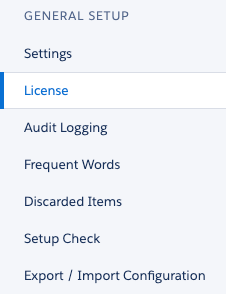
Navigate to the 'Deduplicate Setup' tab.
At left, click on 'License'.
Click the 'Refresh License' button and its done. Now your License edition is up to date and live!
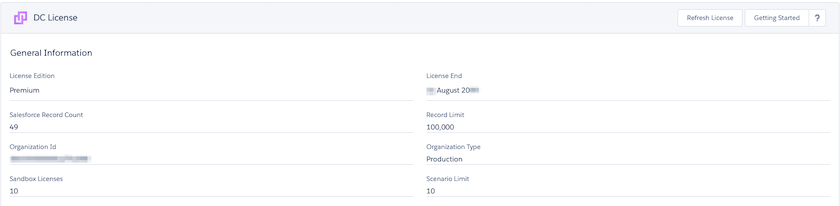
Click on the image to view it in full size