
Reduce Async Processes
Last updated
If you are getting close to your 24hr Asynchronous Processes Limit, you can switch some processes off.
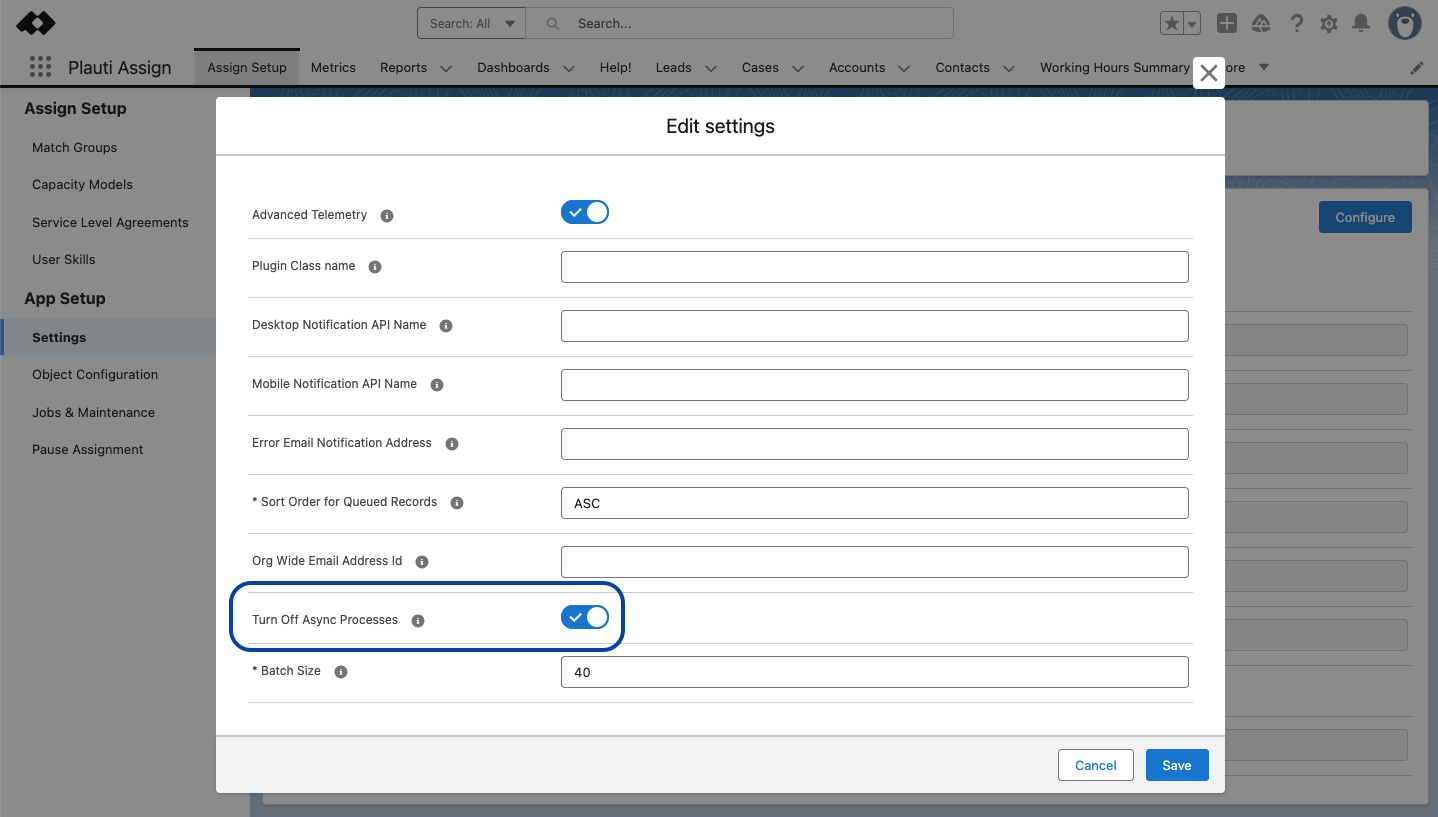
Switching off Asynchronous Processes
In Plauti Assign, go to Assign Setup > Settings
At right, click Configure

Toggle Turn Off Async Processes to ‘Active’
Click Save
This will reduce the number of Asynchronous Processes.