

Sharing a merge page
Last updated
Share a specific merge page via tasks, email or by sharing a direct link.
To share a merge page with another Salesforce user, enter the merge page you want to share. Then click the share icon at the top-right of your screen.
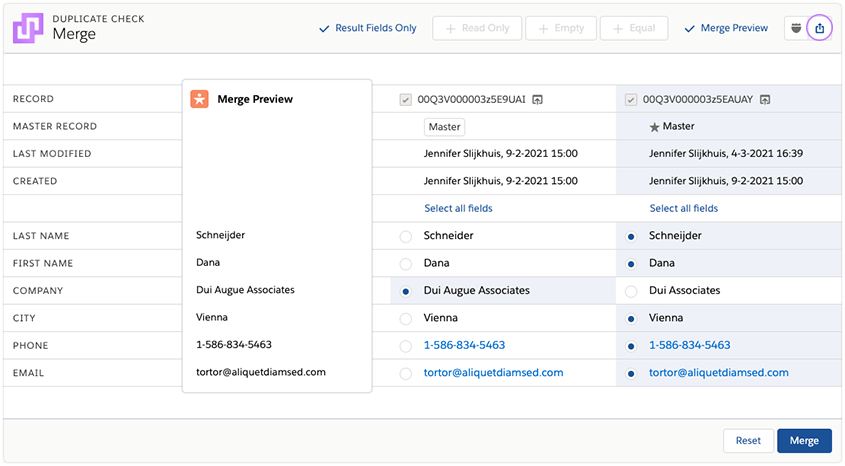
In the modal that pops up, choose to share the merge page via Task, Email, or by copying a direct link (URL).

Did you know that you can also share entire results lists after running a Deduplicate Job? Read more.